

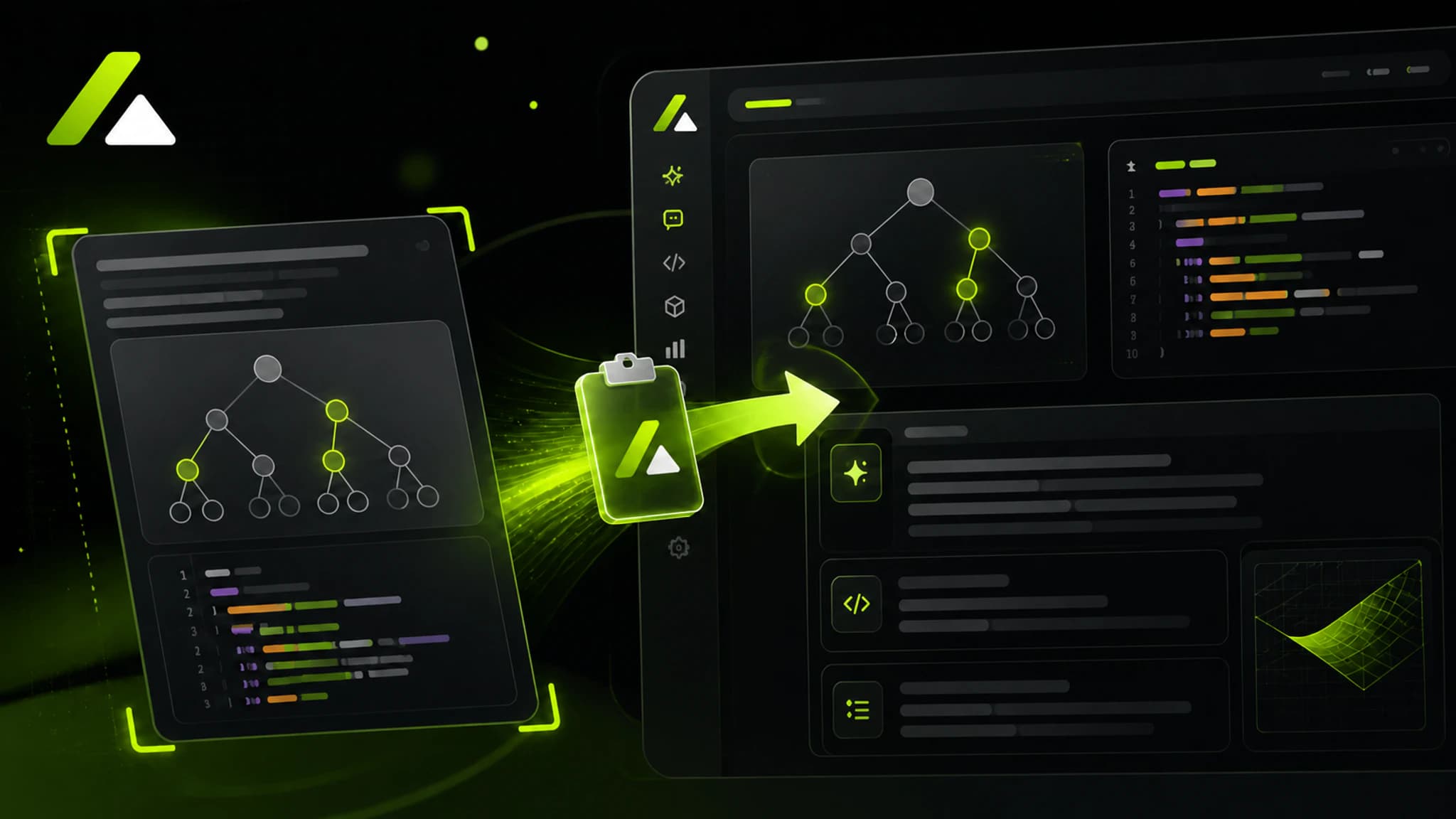
This release added pasted coding-exercise recognition to the web and desktop apps.
How to use it
- Capture the coding-problem area.
- Paste the image on the interview page with
Ctrl/Cmd + V. - Review the recognized prompt, constraints, and solution direction.
Web and desktop
- Web: Paste a system screenshot directly on the interview page.
- Desktop: Use Screenshot to capture the prompt or paste an existing image.