


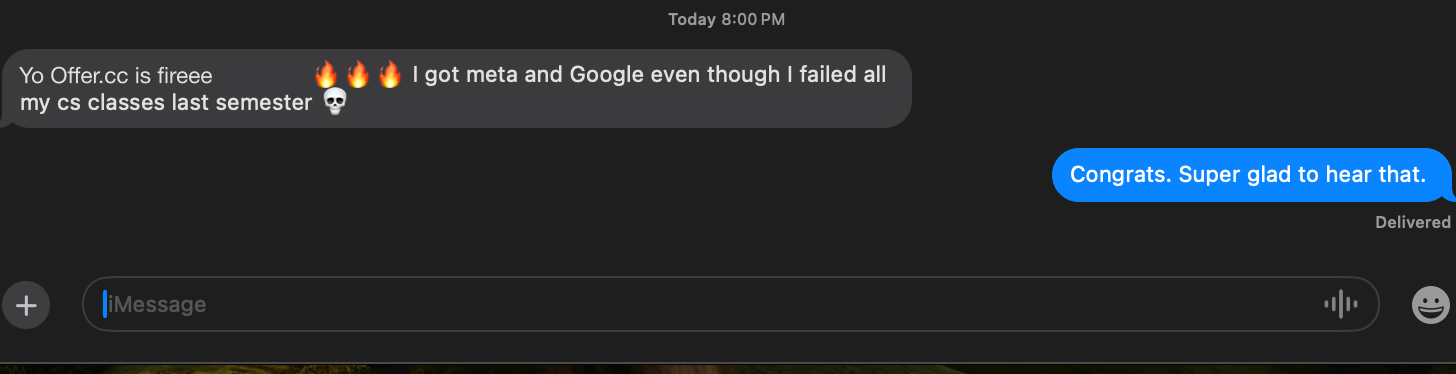
Used by 150,000+ candidates
Pass Your Coding Interview With Confidence
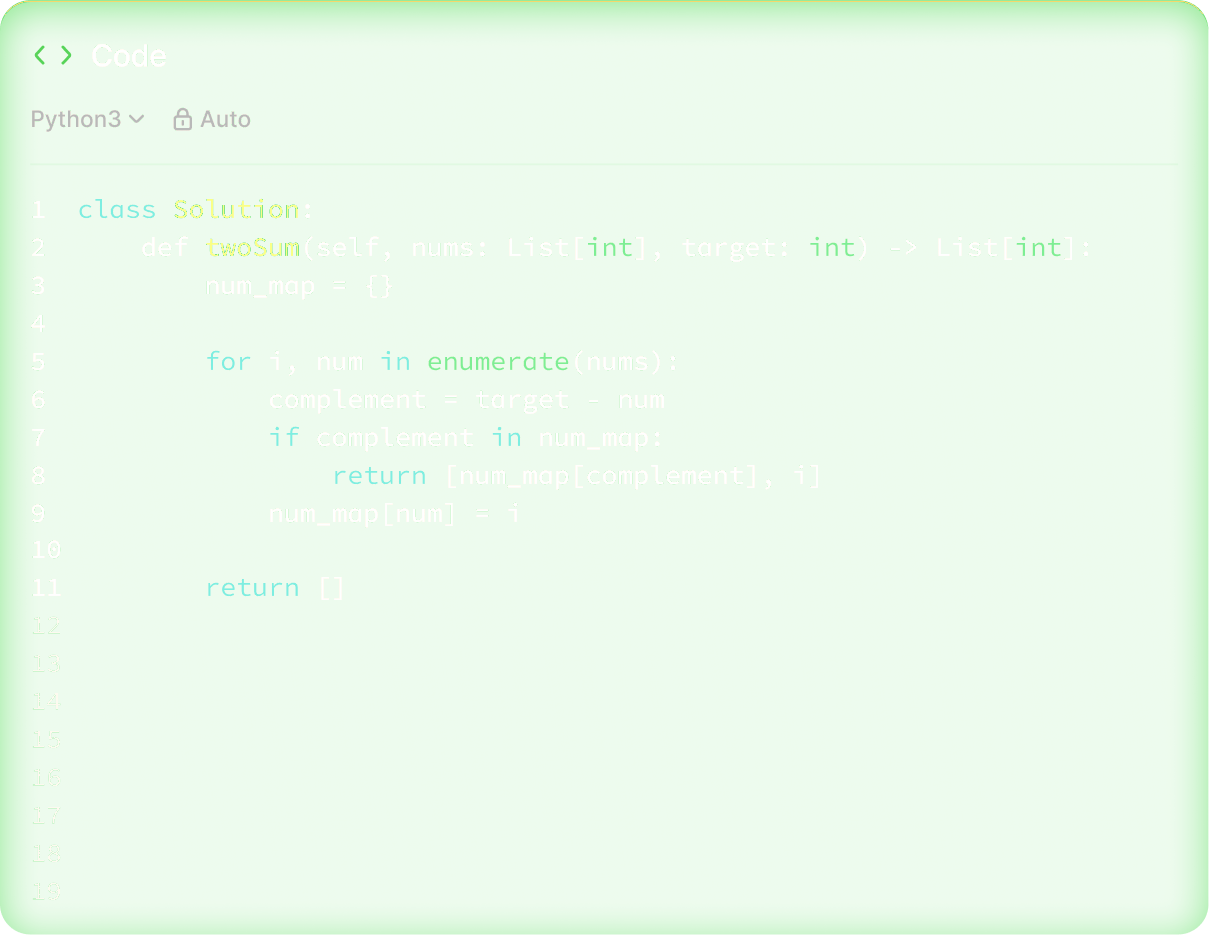
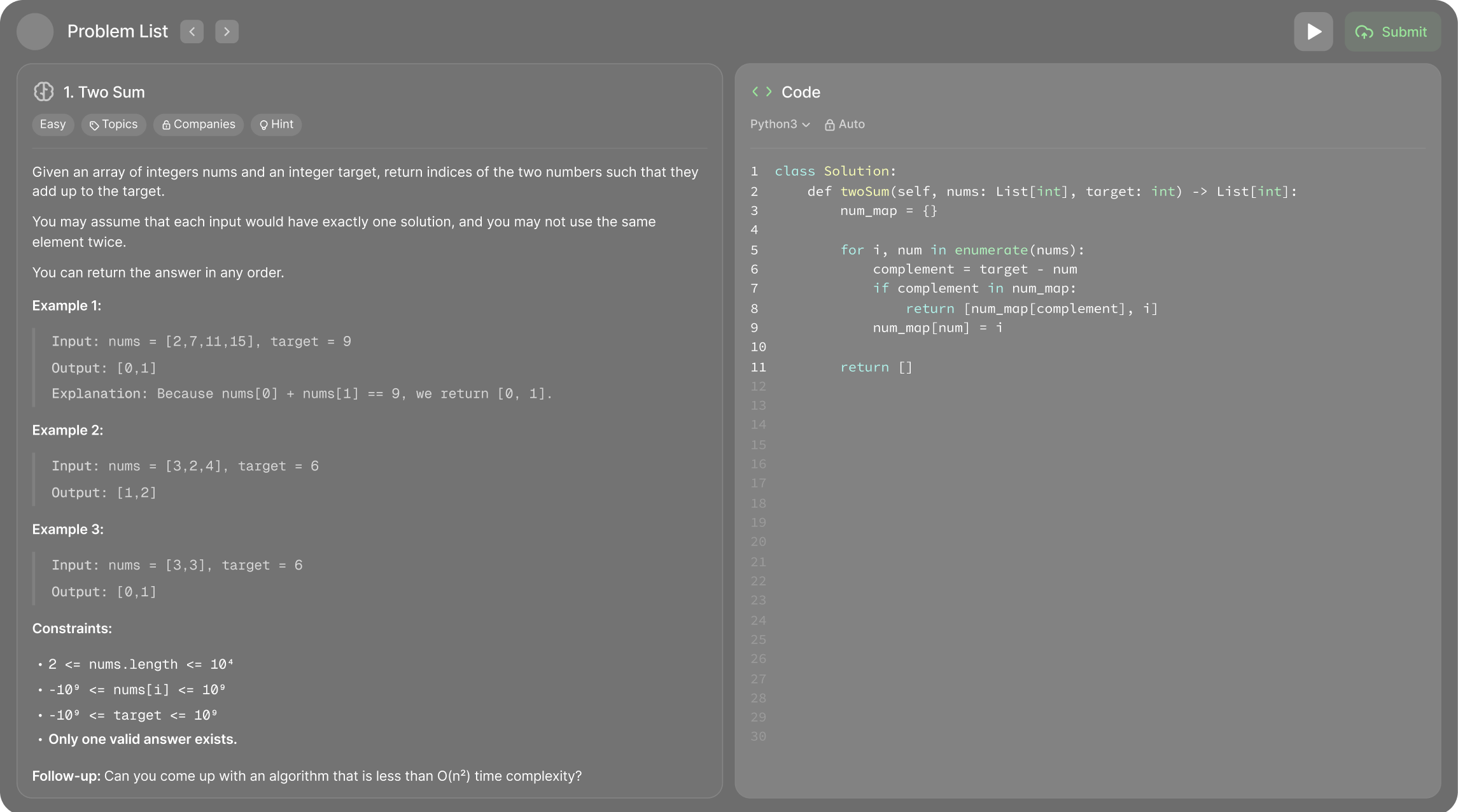
Capture the problem and click Solve to start getting the approach and code within seconds, invisible in screen sharing
Coding interviews test problem-solving under a 45-minute clock. Offer.cc captures the problem from your screen, generates an optimal solution with step-by-step reasoning and Big-O analysis, and streams it to an invisible overlay — so you can code and explain simultaneously.
- Screenshot capture from any coding platform
- Solutions in Python, Java, JS, C++, and Go
- Time and space complexity analysis
- Click-through invisible overlay
- Iterative debugging assistance
Built for live coding
How Offer.cc Helps With Coding Interviews
- 01
Instant Screenshot Capture
Captures problems from CoderPad, HackerRank, LeetCode, or any IDE with a single keyboard shortcut. No copy-paste needed.
- 02
Multi-Language Solutions
Generates optimal solutions in Python, JavaScript, Java, C++, Go, and more. Each solution includes step-by-step comments explaining the approach.
- 03
Complexity Analysis
Every solution includes Big-O time and space complexity analysis so you can discuss trade-offs with your interviewer confidently.
- 04
Invisible Overlay
With verified meeting and sharing settings, the click-through overlay stays in your local view while the coding window remains in the shared feed. Locked browsers or proctoring clients may still inspect running applications.
- 05
Iterative Debugging
When your first approach hits an edge case, take another screenshot and click Solve. Offer.cc adapts and provides an updated solution with the bug fixed.
Expert advice
Coding Interview Strategy Tips
- 01
Clarify Before Coding
Spend the first 2–3 minutes asking clarifying questions. Confirm input constraints, edge cases, and expected output format. This shows structured thinking and prevents wasted time on wrong assumptions.
- 02
Talk Through Your Approach
Before writing code, verbally outline your approach. Say, ‘I'm thinking of using a hash map for O(1) lookups because…’ Interviewers evaluate your thought process as much as your code.
- 03
Start Brute Force, Then Optimize
Begin with a working brute-force solution, then improve it. A correct O(n²) answer beats an incomplete O(n) attempt every time.
Pro tip:
Offer.cc shows both brute force and optimal approaches so you can demonstrate the optimization journey.
- 04
Test With Edge Cases
Before saying ‘I'm done,’ trace through your code with an empty input, a single element, and the largest possible input. Catching your own bugs shows maturity.
The best candidates combine preparation with composure. Offer.cc provides real-time backup so you can focus on communicating clearly.
Offer.cc working in real interviews
Works smoothly in real interviews across engineering, product, data, and more.
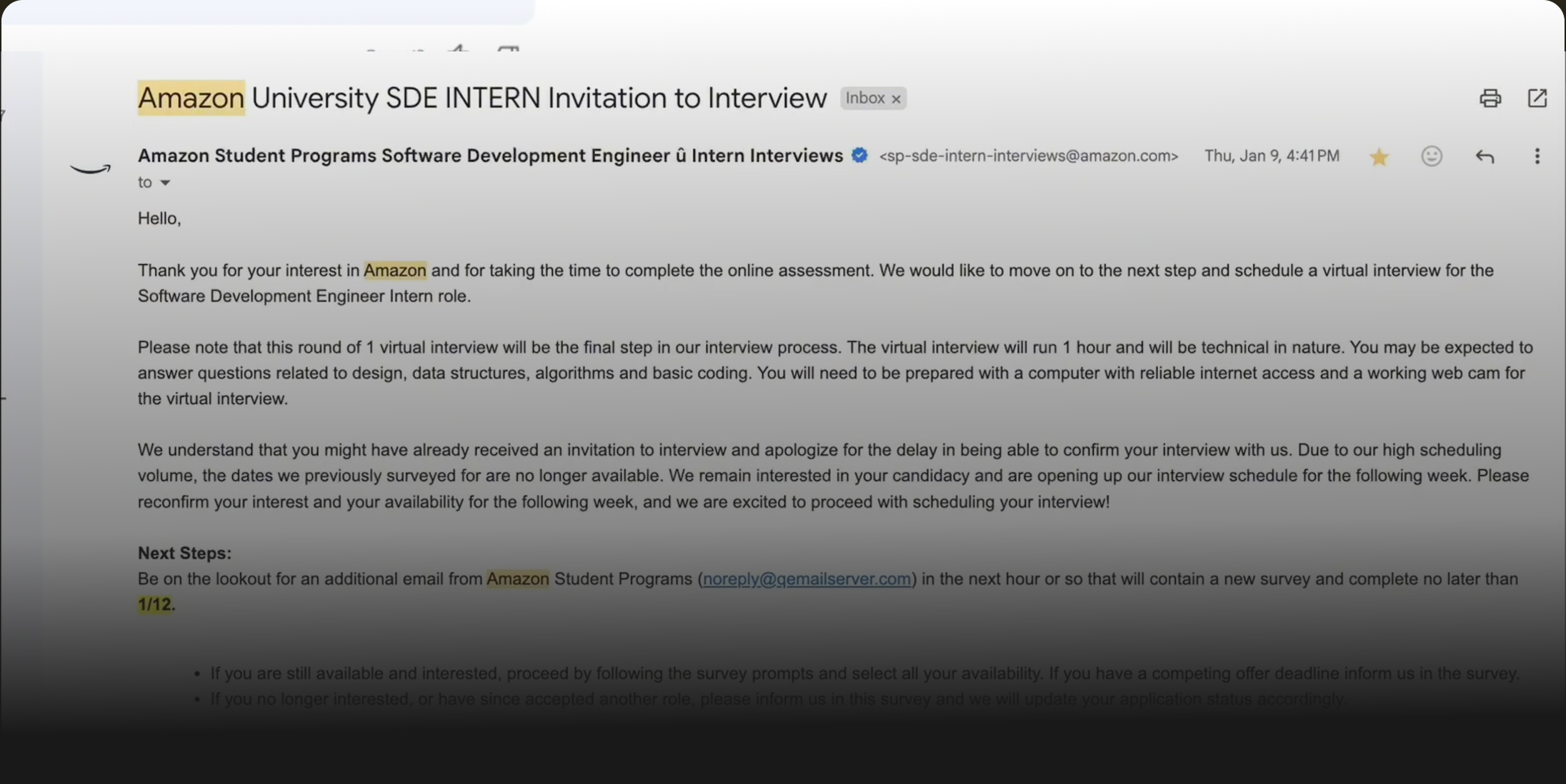
Trusted by 150,000+ candidates
From internships to staff roles across FAANG, big tech, quantitative firms, and beyond.
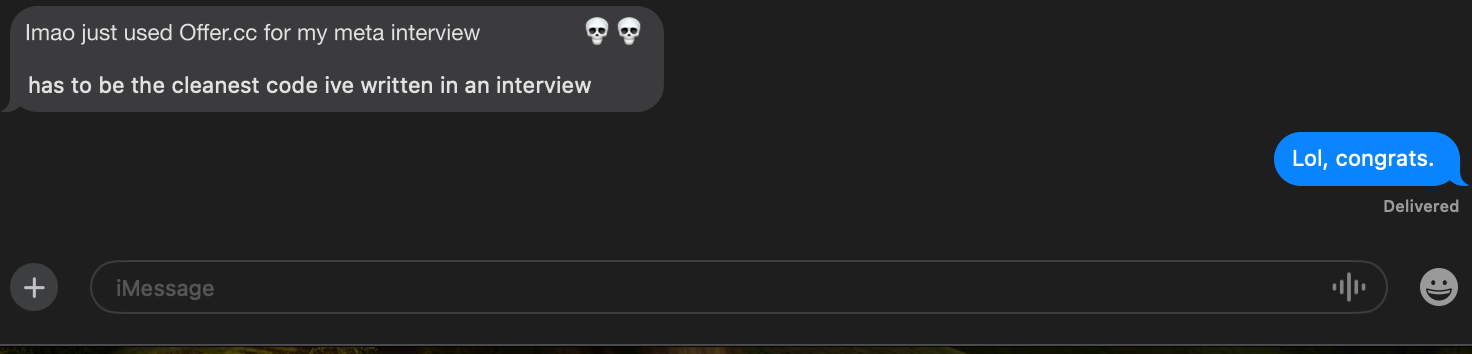
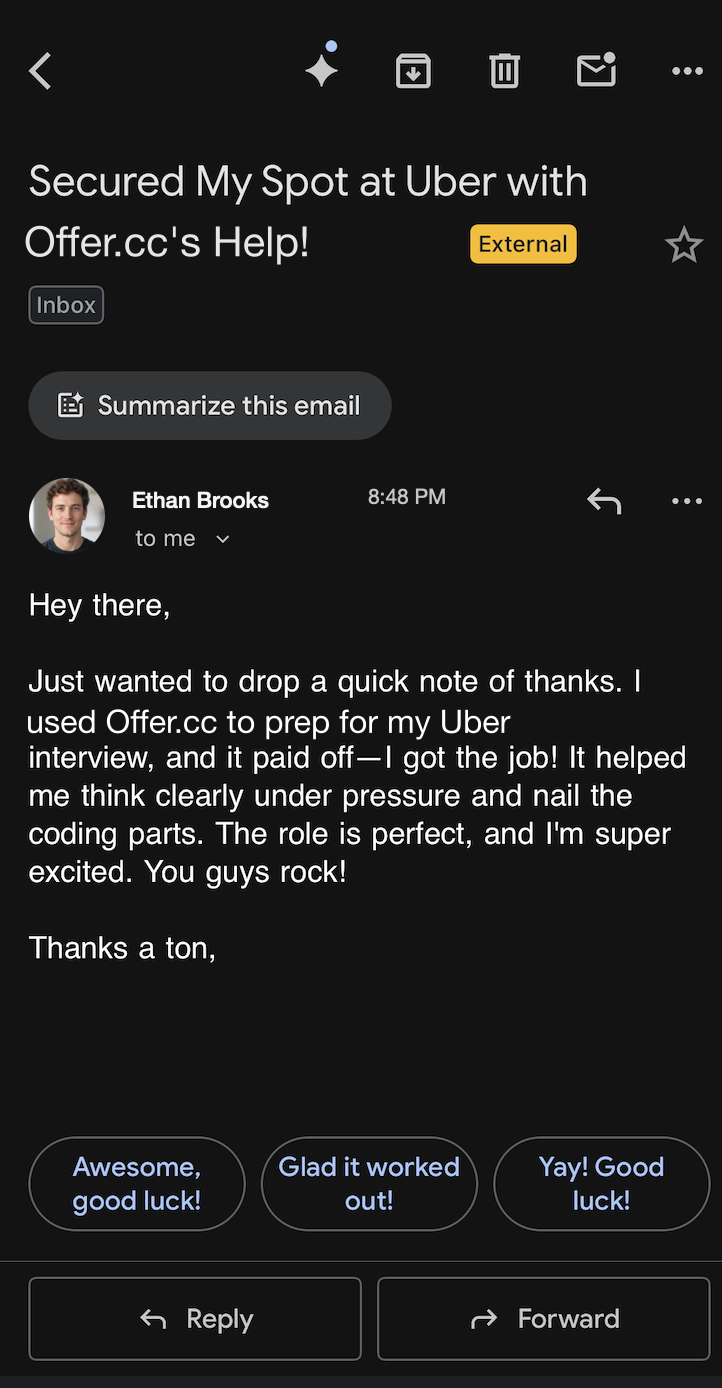
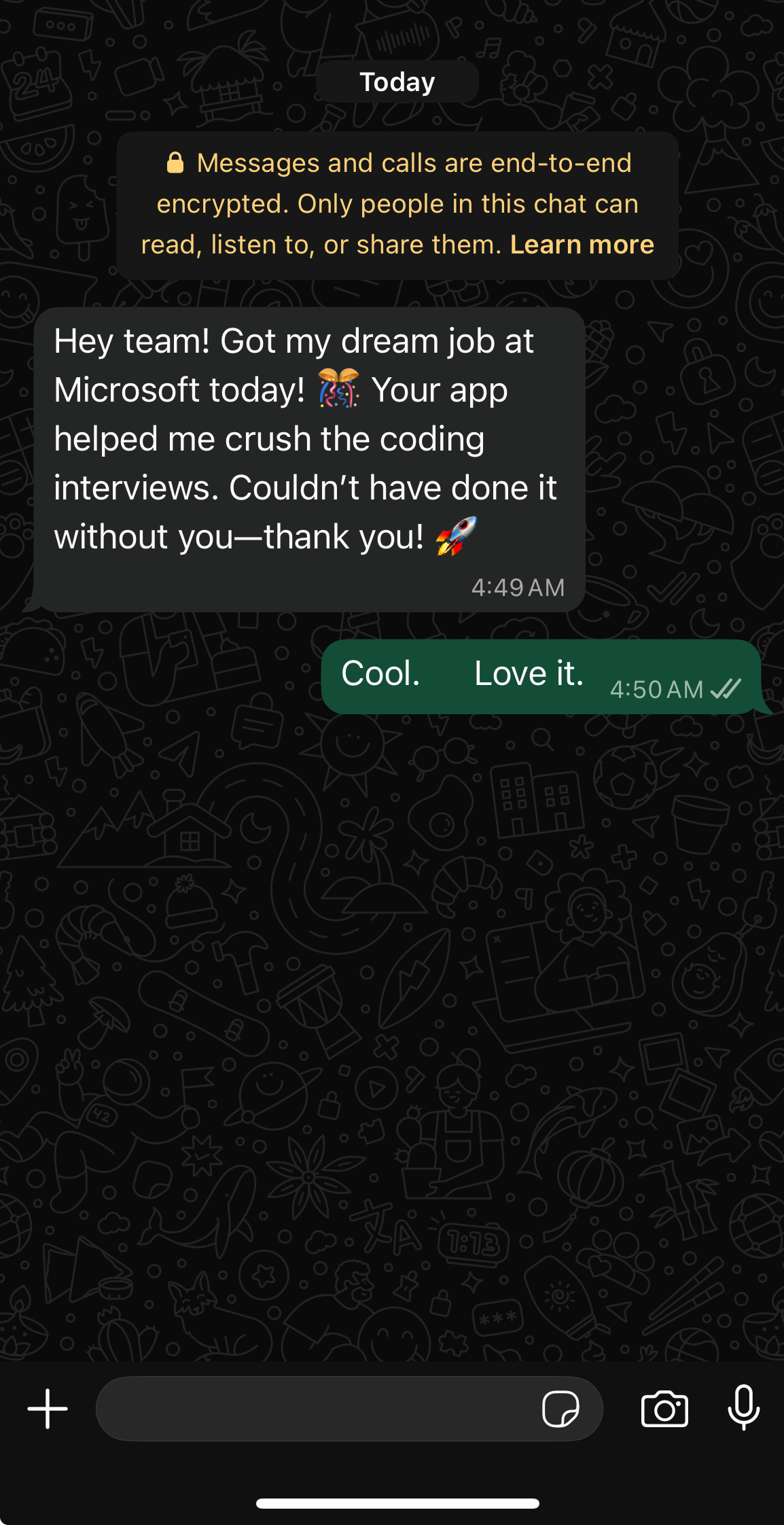
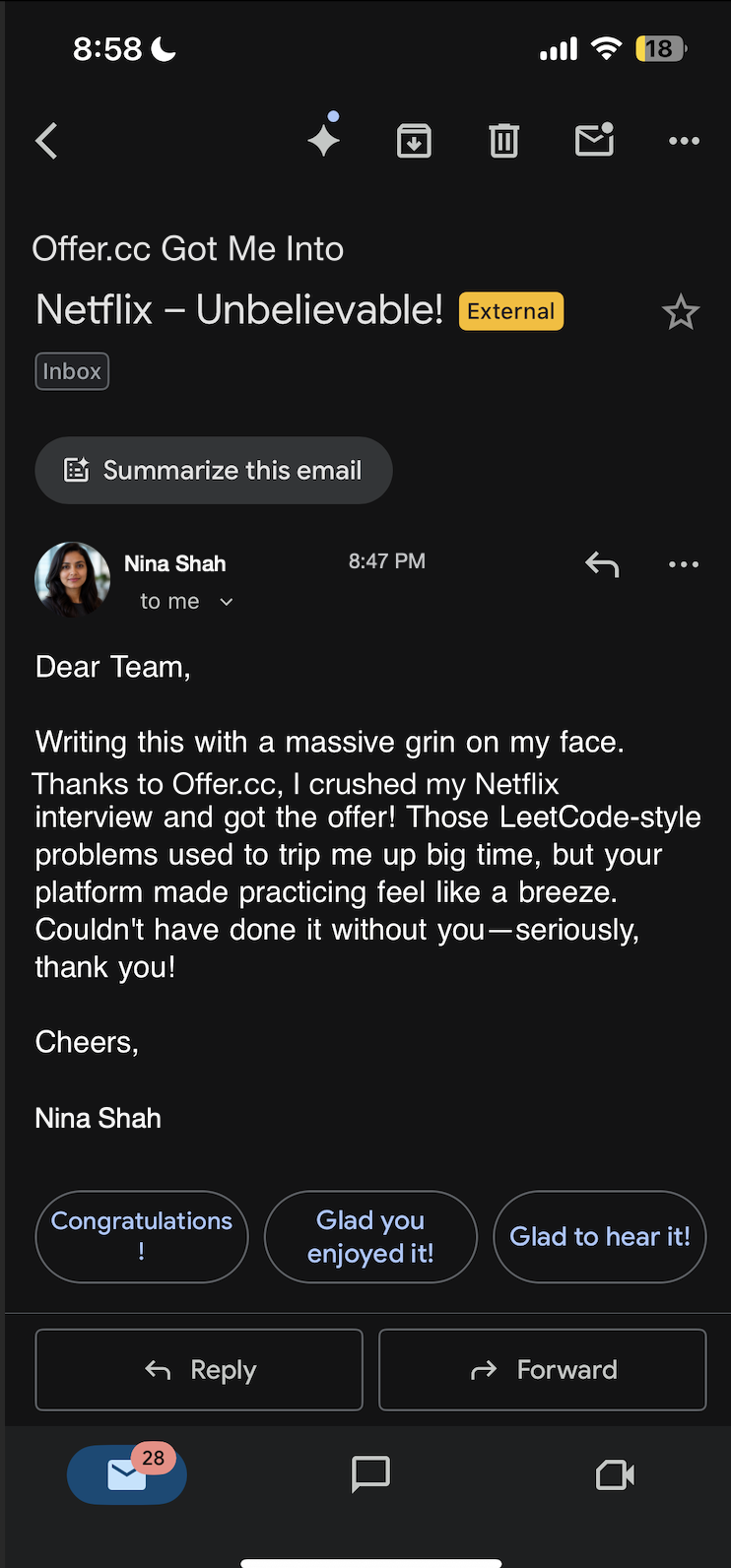
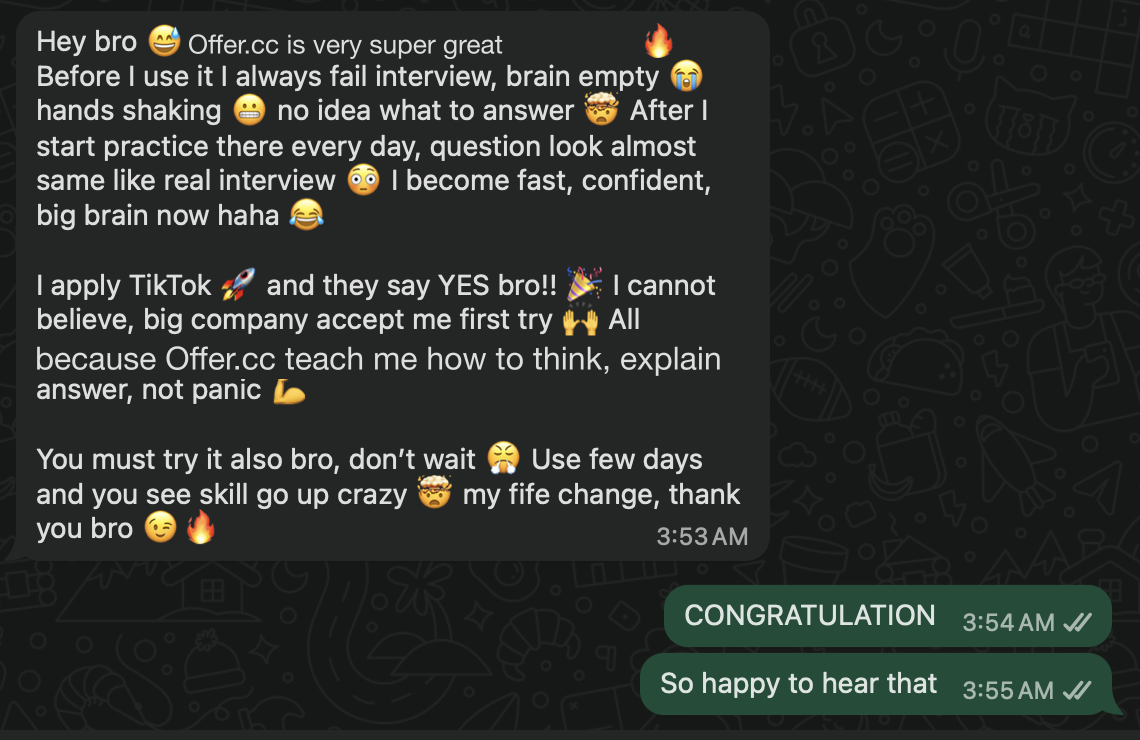
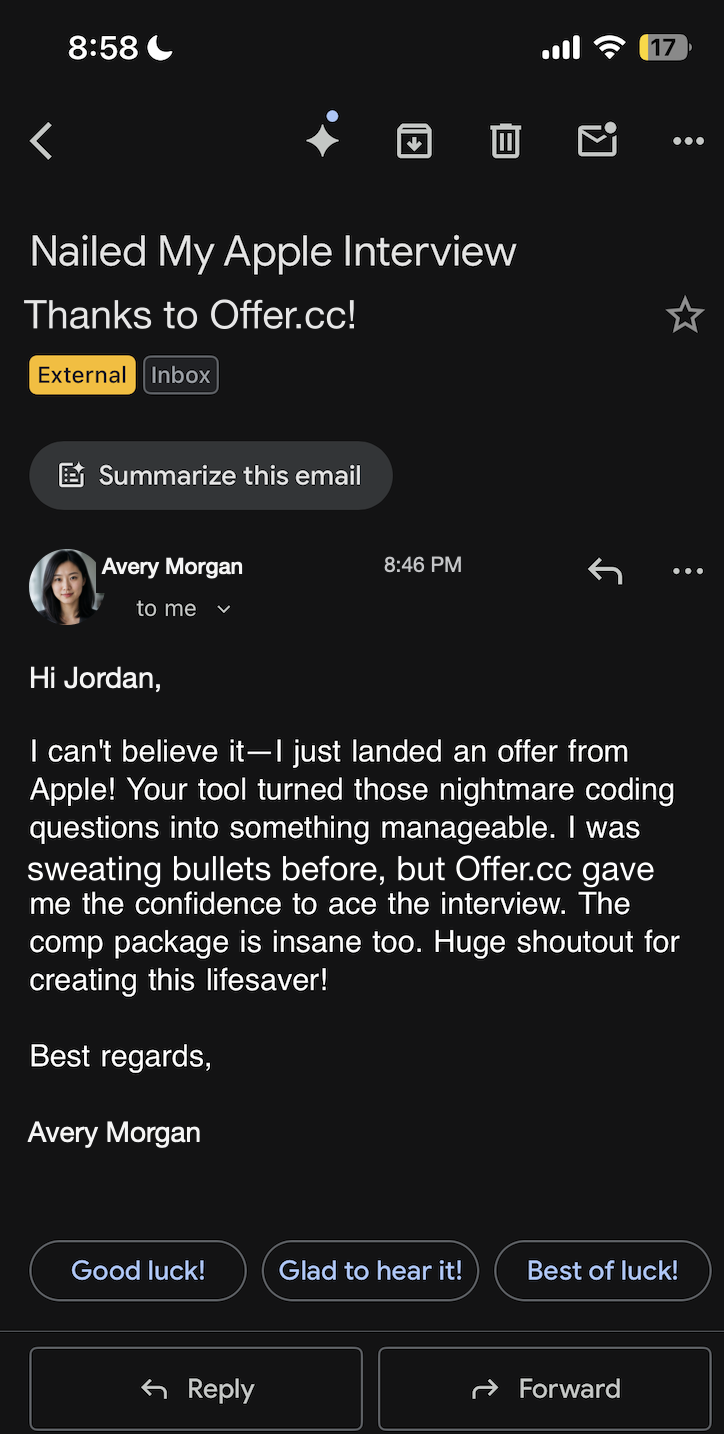
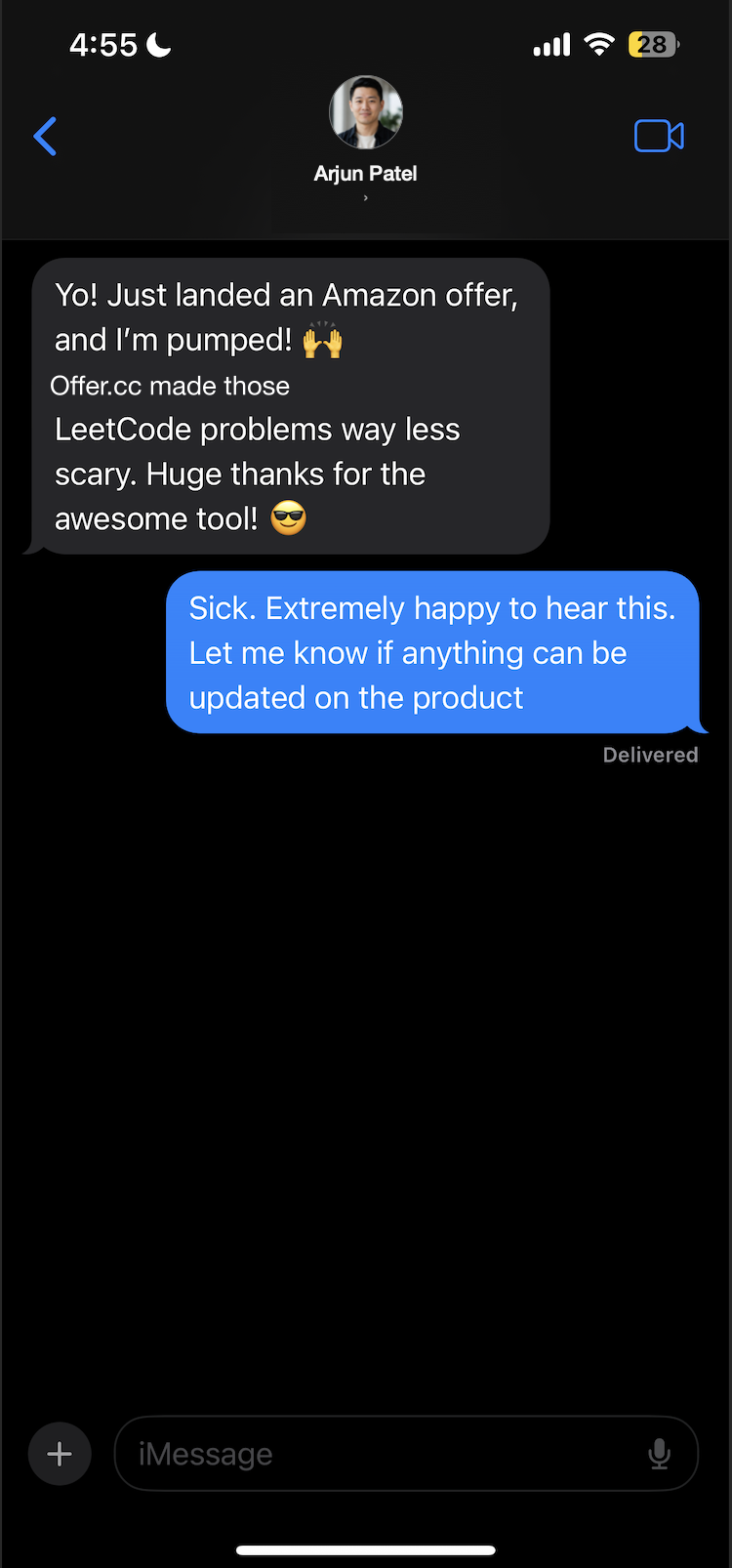

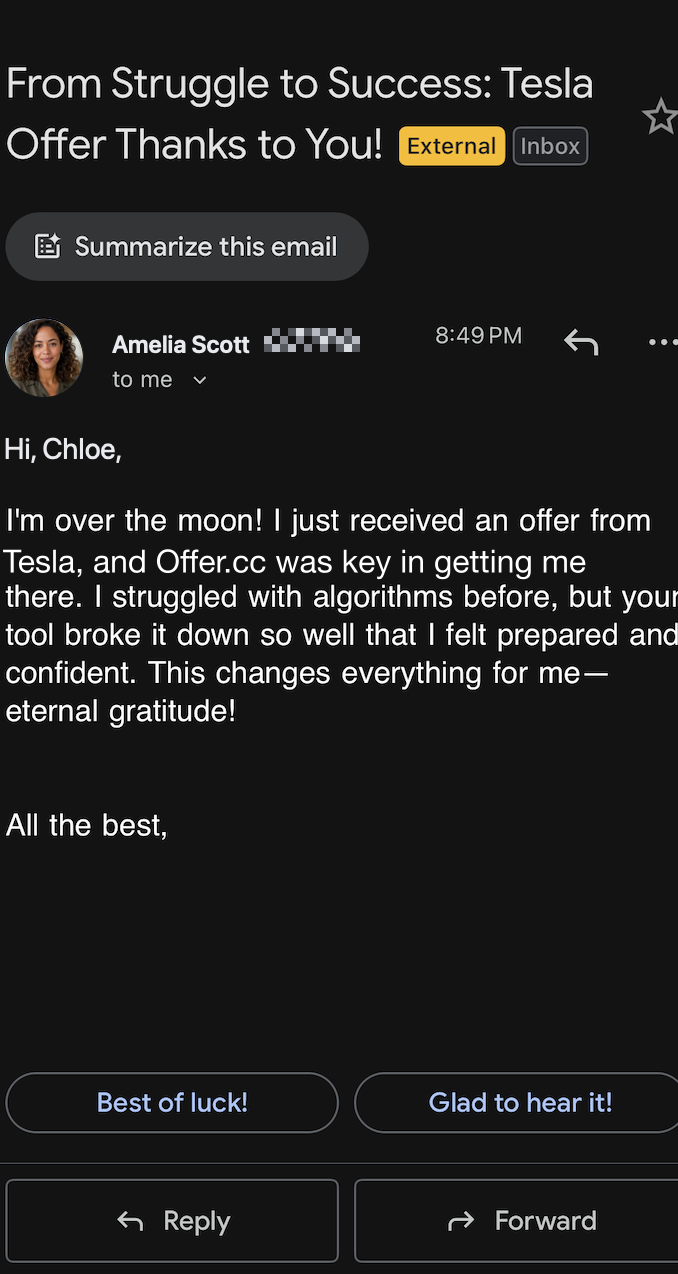
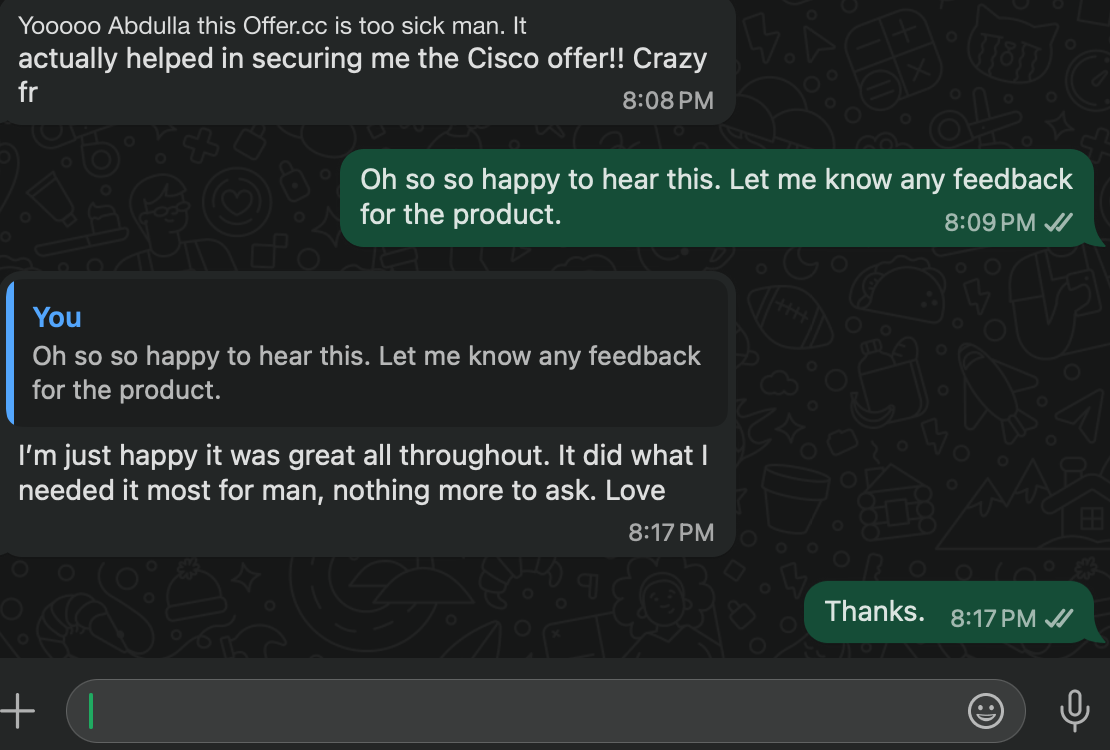
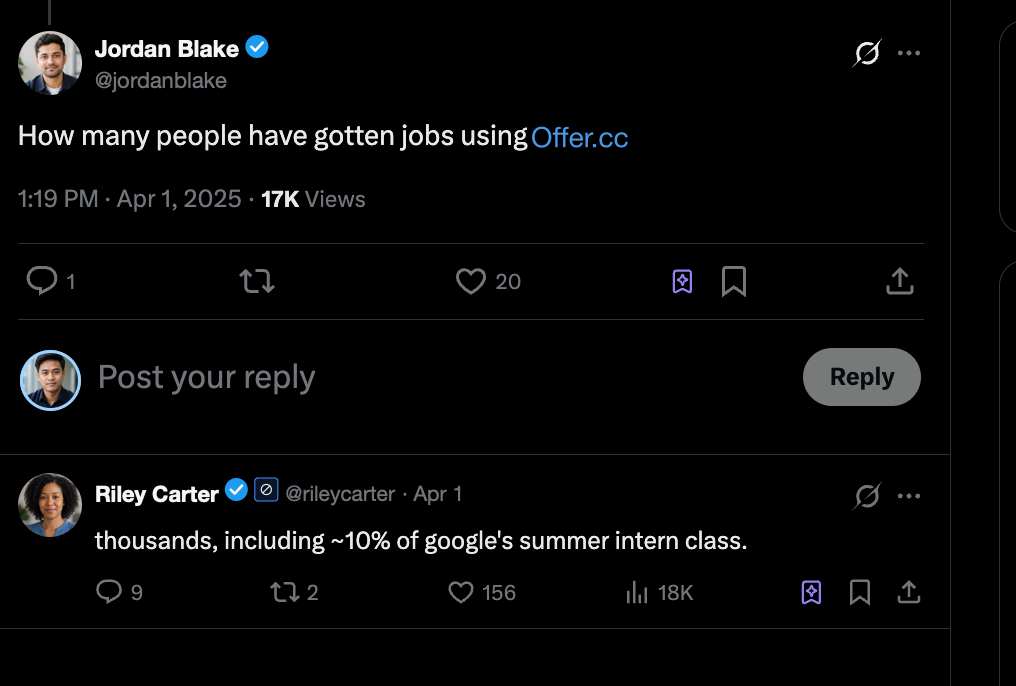
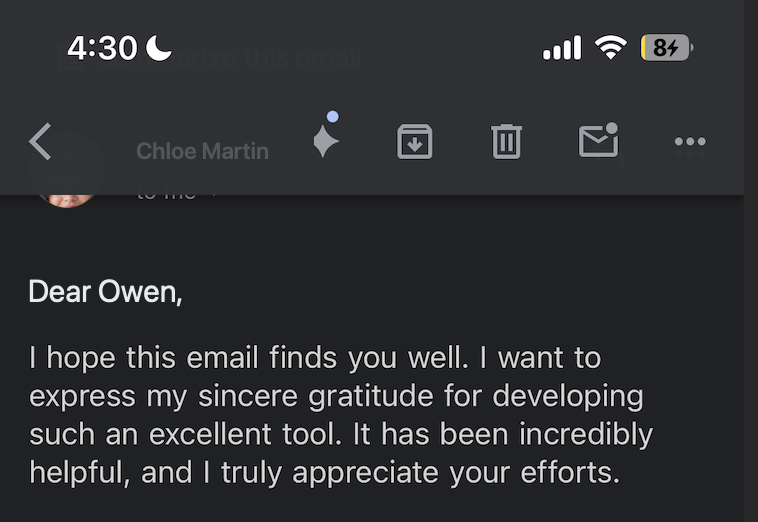
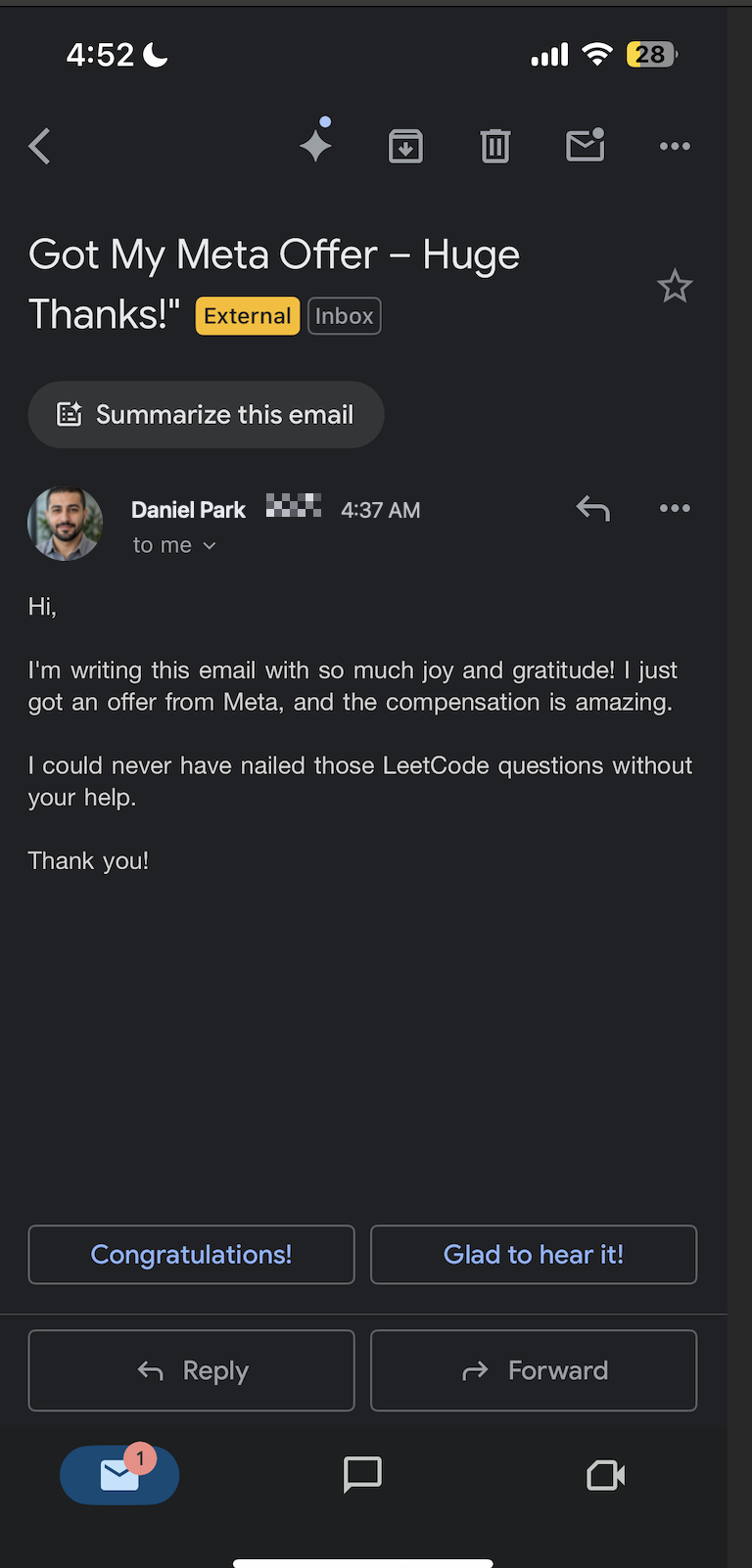
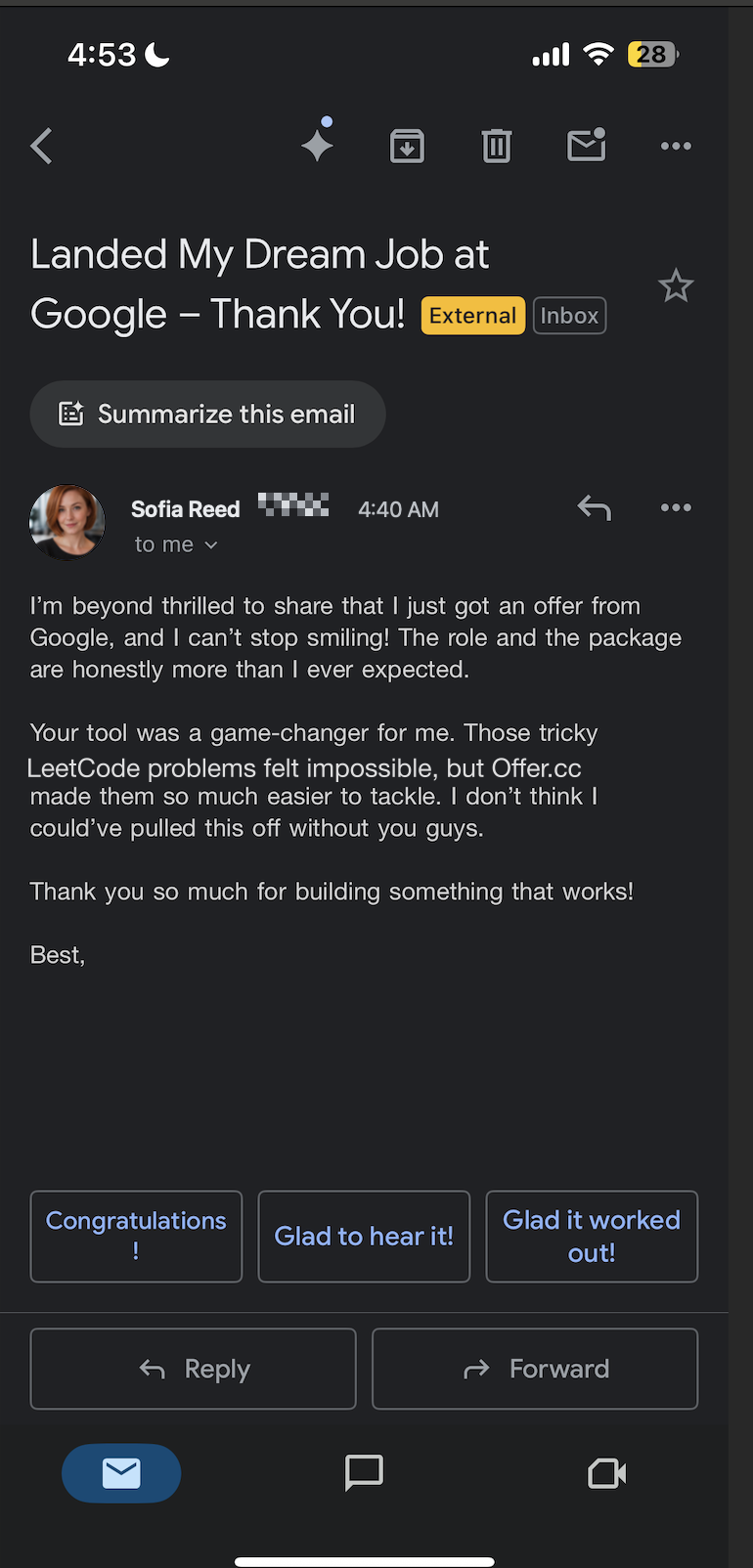
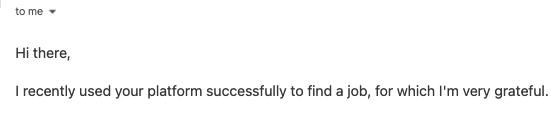
and more...


10,000+ candidates landed job offers with Offer.cc
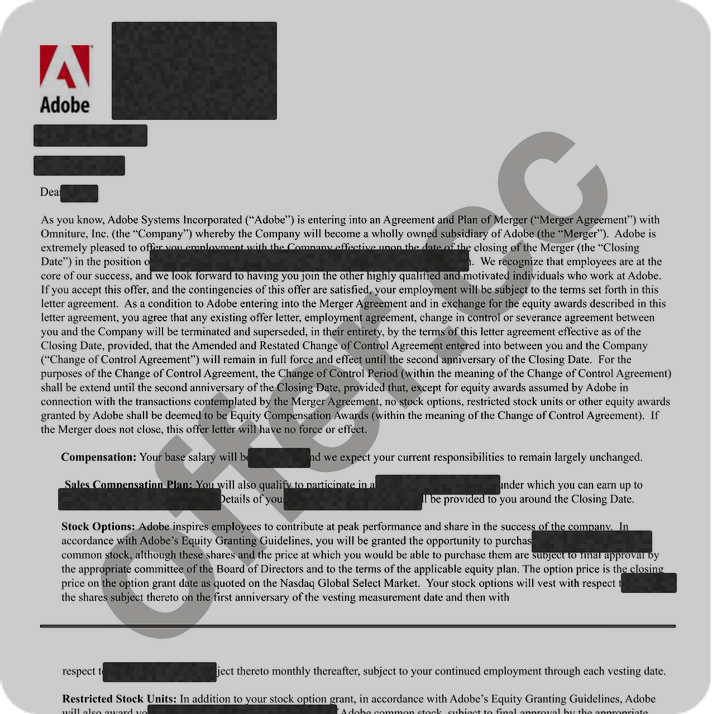
Adobe
Cracked $174k/yr job at Adobe
with help of Offer.cc
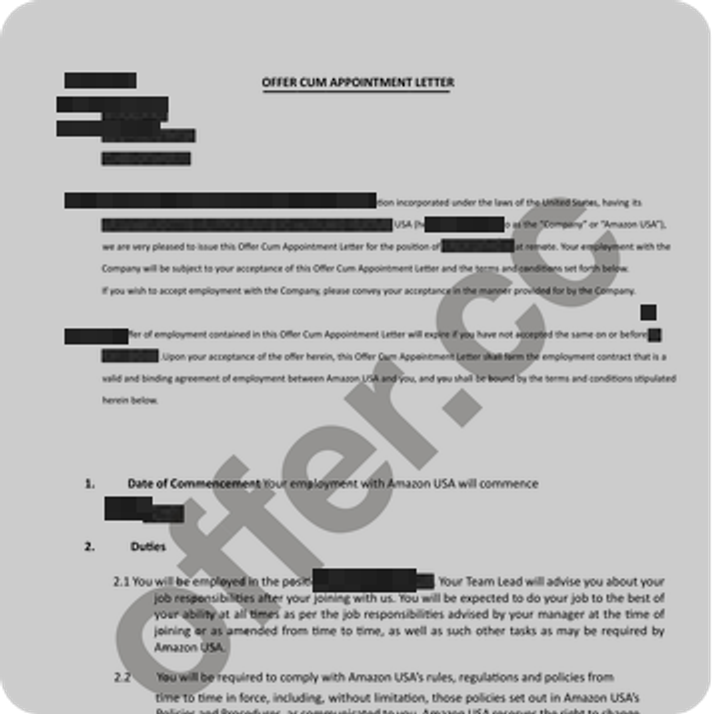
Amazon
Cracked $182k/yr job at Amazon
with help of Offer.cc
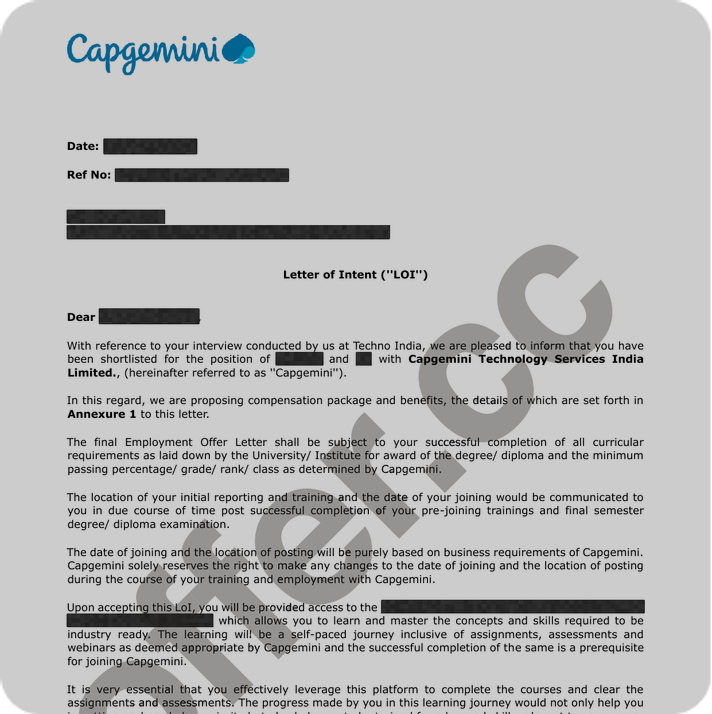
Capgemini
Cracked $95k/yr job at Capgemini
with help of Offer.cc
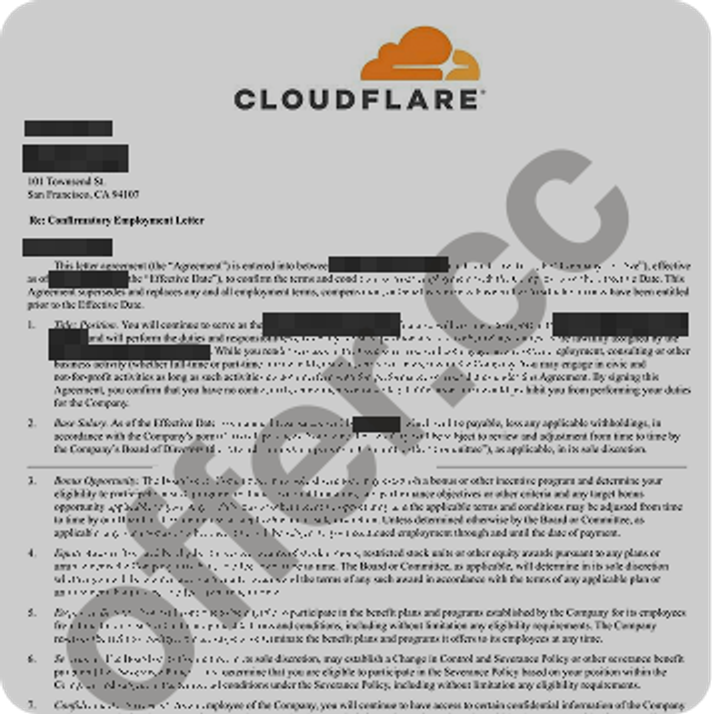
Cloudflare
Cracked $205k/yr job at Cloudflare
with help of Offer.cc
Adobe
Cracked $174k/yr job at Adobe
with help of Offer.cc
Amazon
Cracked $182k/yr job at Amazon
with help of Offer.cc
Capgemini
Cracked $95k/yr job at Capgemini
with help of Offer.cc
Cloudflare
Cracked $205k/yr job at Cloudflare
with help of Offer.cc
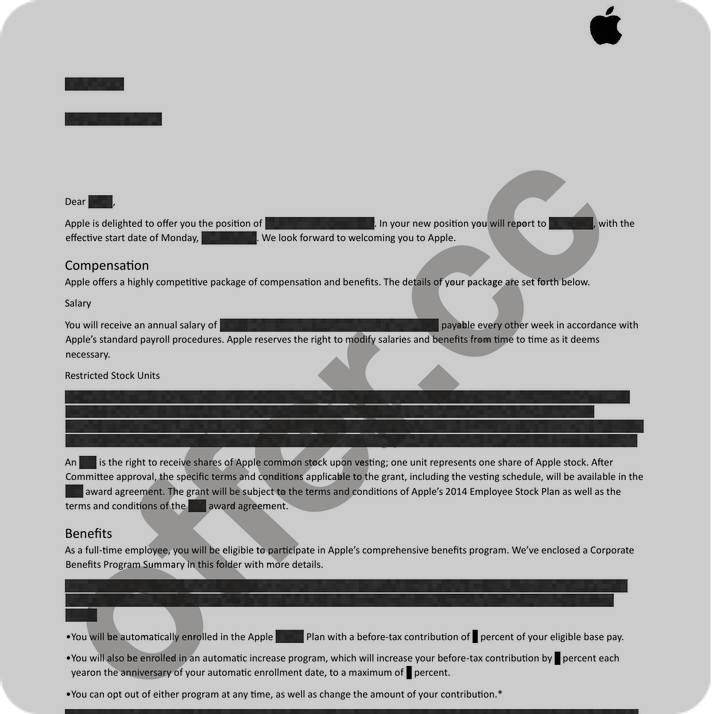
Apple
Cracked $234k/yr job at Apple
with help of Offer.cc
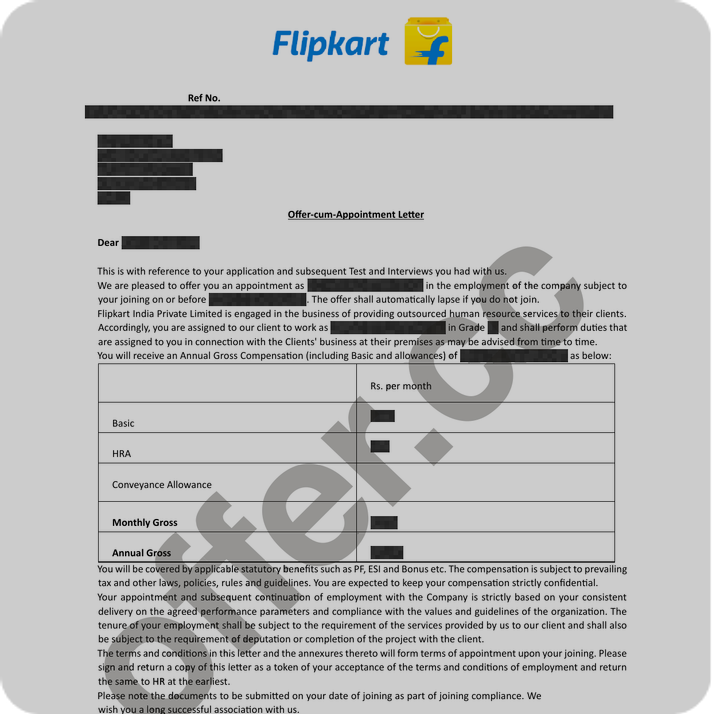
Flipkart
Cracked $85k/yr job at Flipkart
with help of Offer.cc
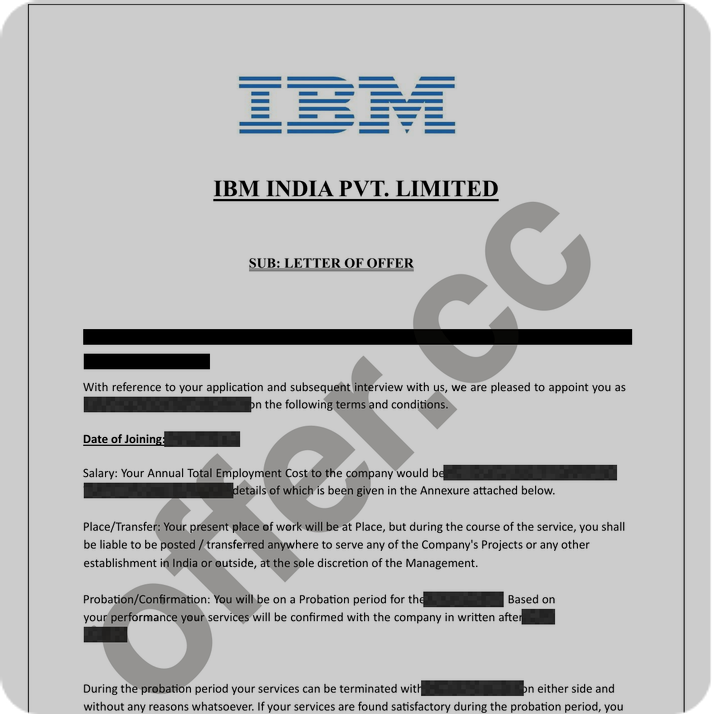
IBM
Cracked $175k/yr job at IBM
with help of Offer.cc
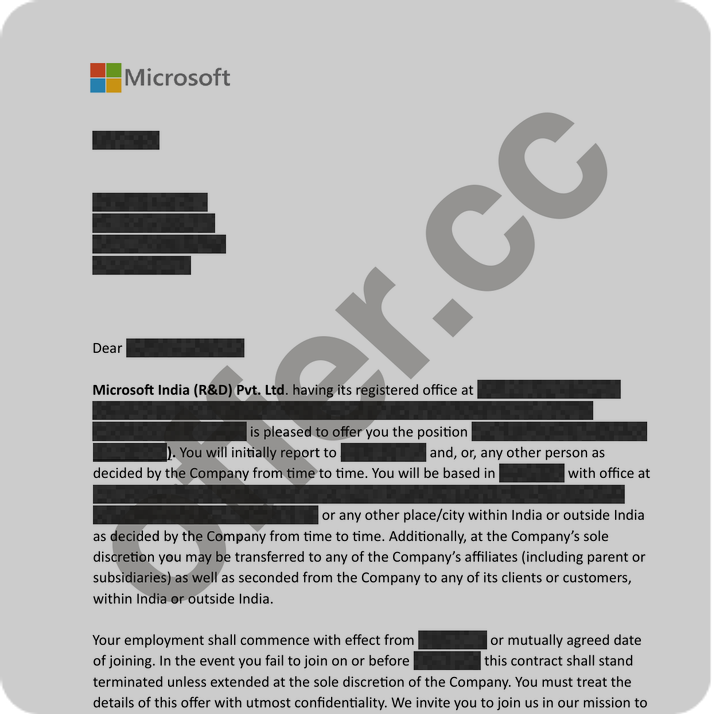
Microsoft
Cracked $185k/yr job at Microsoft
with help of Offer.cc
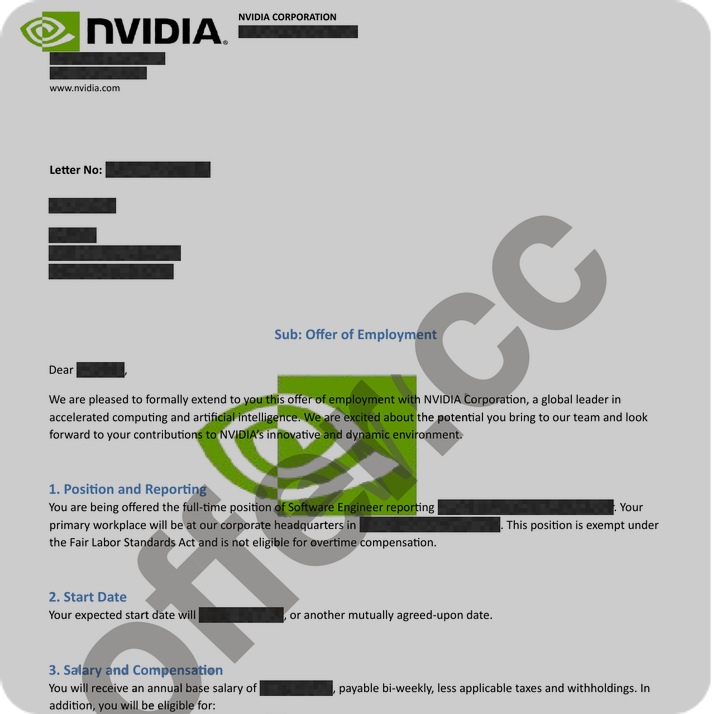
NVIDIA
Cracked $196k/yr job at NVIDIA
with help of Offer.cc
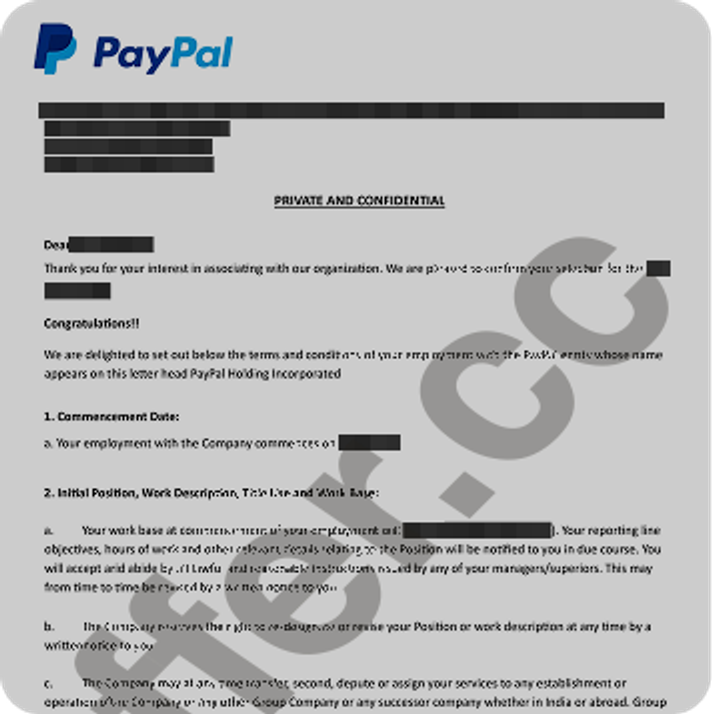
PayPal
Cracked $173k/yr job at PayPal
with help of Offer.cc
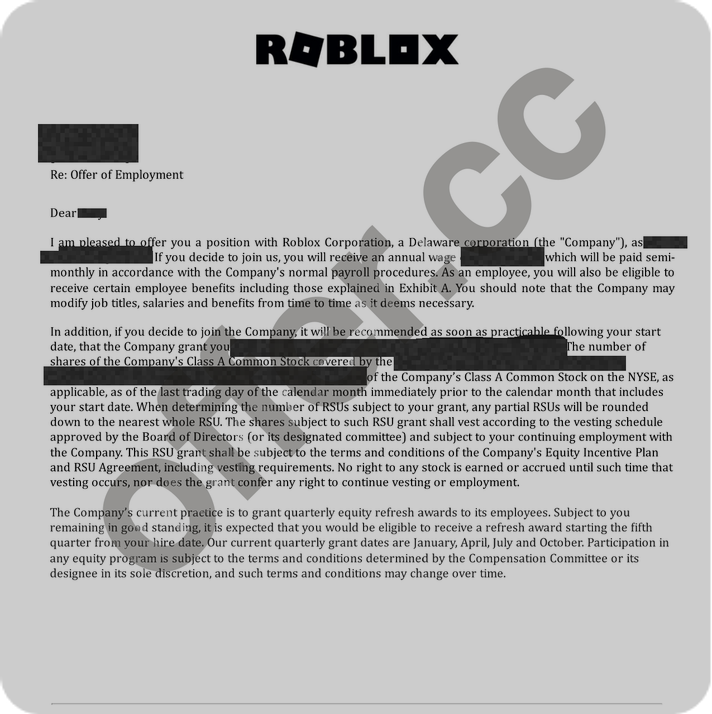
Roblox
Cracked $222k/yr job at Roblox
with help of Offer.cc
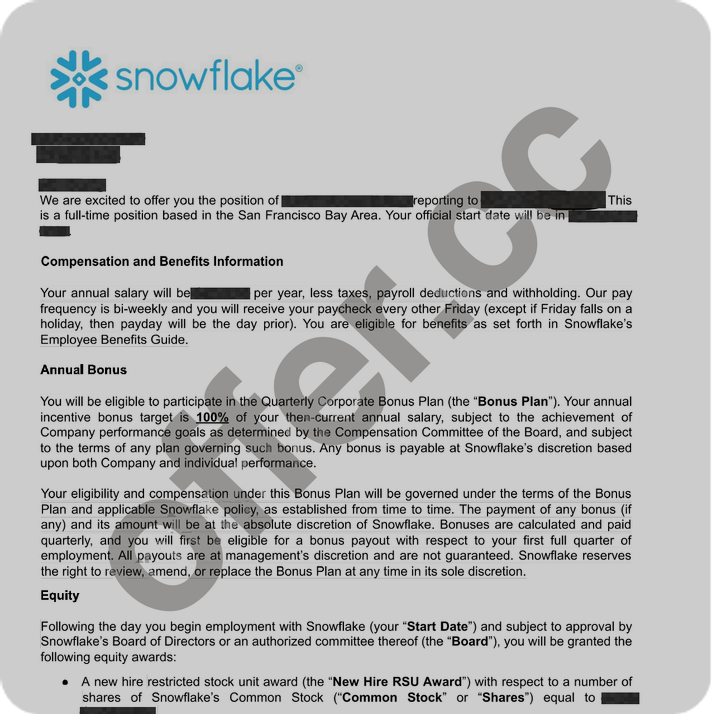
Snowflake
Cracked $234k/yr job at Snowflake
with help of Offer.cc
Coding Interview FAQ
Common Questions Answered
Couldn't find your answer?
Pass Your Next Coding Interview
Capture the problem, then click Solve to start getting the approach and code within seconds. Sign up free, download the desktop app, and choose a current plan when you are ready to use it.